 ameya labs
Set up once, then leave the controls alone
Find a comfortable seat. A chair is fine; you do not need to sit cross-legged. Let your hands rest wherever they are comfortable. Decide whether you prefer silence or low instrumental music before starting.
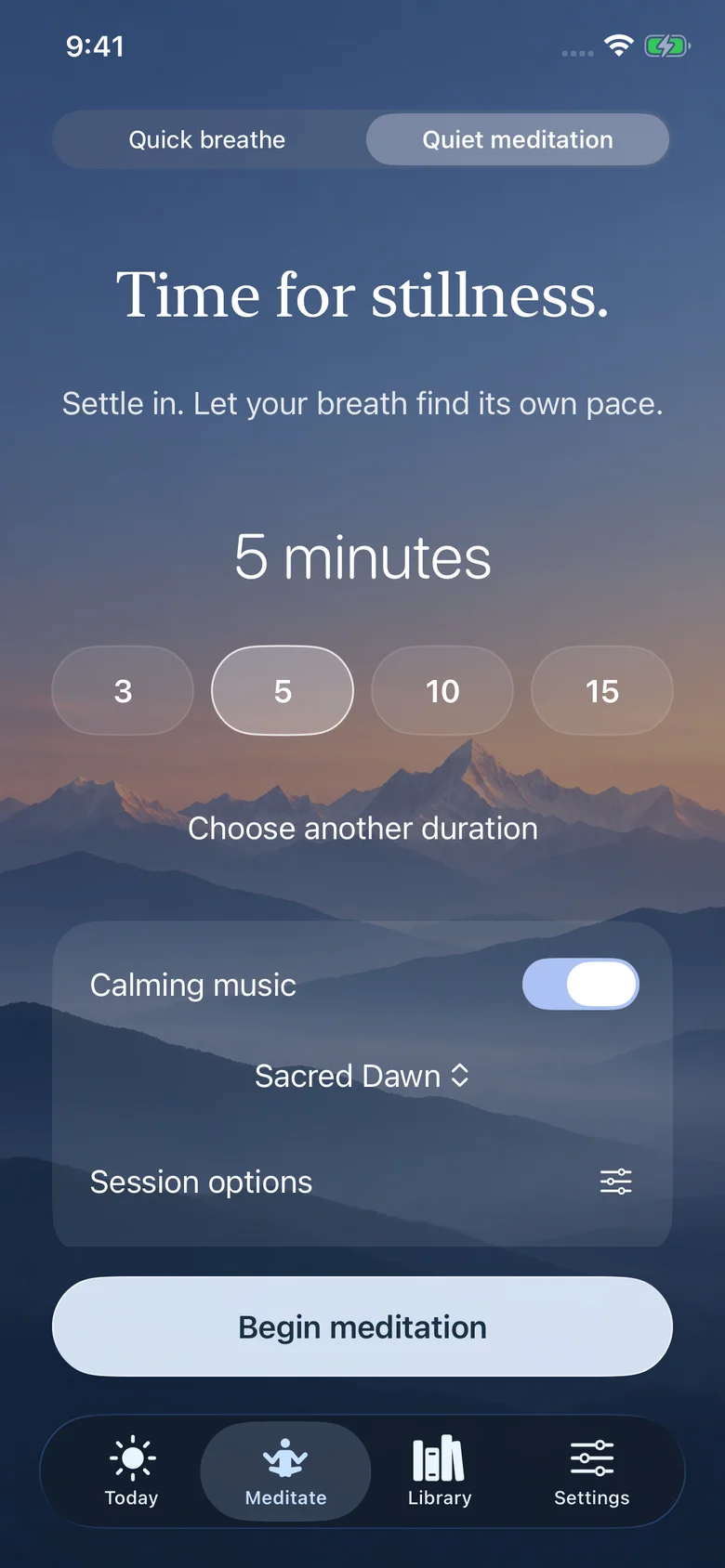
In Bhagavad Gita English & Hindi, open Meditate, choose Quiet meditation and select five minutes. Open Session options and turn on Ending bell if you want a sound to mark the finish. This is a self-guided session: the timer gives you space rather than narrating every moment.
Give your attention one simple place to return
Notice the feeling of your breath without trying to improve it. When a plan, memory or worry takes over, recognize that your attention has moved. Then return to the next breath. You can do this many times in five minutes.
If the breath feels like an uncomfortable focus, try the contact of your feet with the floor or the sounds in the room. Keep your eyes open if that feels easier. The aim is to stay present, not to perform a particular pose.
Let music support the session
Choose music you can leave in the background. If you spend the whole session choosing a track, make that choice before the next one. Silence is equally valid. The app offers instrumental tracks and a speaker control, so you can find what suits you without changing the purpose of the session.
Finish without rushing into the next thing
When the timer finishes, notice how you are sitting. Look around before picking up your phone. You do not need to feel transformed. Decide what you will do next, then begin it.
Five minutes is a starting point, not a clinically established dose or a promise of relief. If the practice is uncomfortable, shorten it or stop. You can build a routine around what you can return to willingly.
Sources and further reading
Written by Ameya Labs. Research sources are linked above; practical app instructions are based on our meditation controls. Something unclear? Tell us.